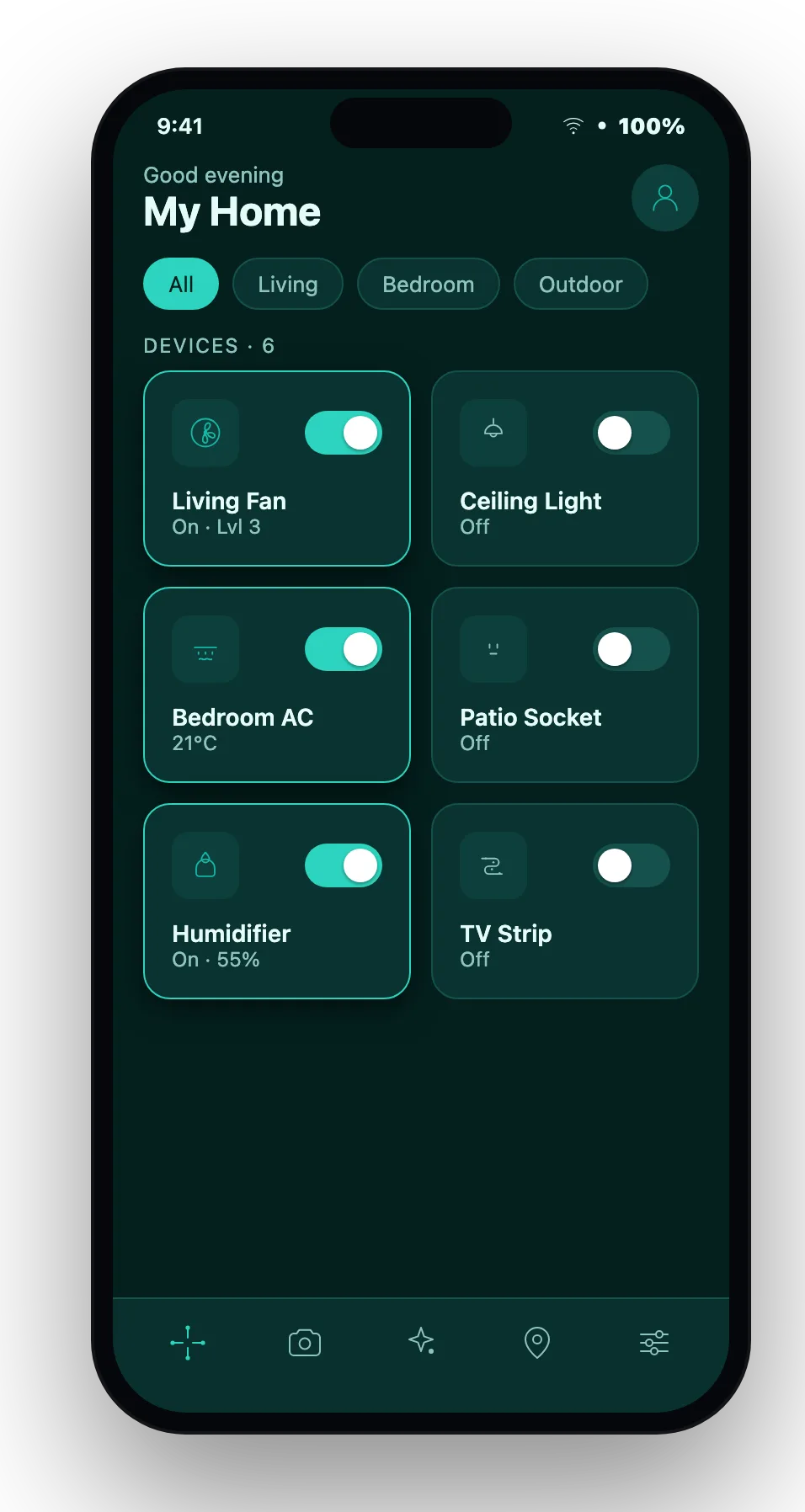
Search our help center, browse topics, or get in touch with the MyOTGO support team.
All systems operational
Getting started
Create your account and set up your first device.
Devices & setup
Connect smart plugs, sensors and ESP32 boards.
Cameras & streaming
Set up live camera feeds and recordings.
Automations & AI
Build rules, schedules and AI routines.
Account & billing
Manage your plan, payments and profile.
Troubleshooting
Fix offline devices and connection issues.
Plug in your MyOTGO device or ESP32 board, sign in to the dashboard, and it will auto-register to your account. From Devices, tap “Add product” to finish setup.
On the sign-in page, click “Forgot password?”, enter your email, and follow the reset link we send you.
Check that the device has power and Wi‑Fi, then restart it. If it stays offline for more than a few minutes, remove and re-add it from the dashboard.
Go to Dashboard → Cameras, pick a camera, and the live HLS/WebRTC stream opens automatically.
Yes. Use IR Remote Learning to teach MyOTGO your remote’s buttons, then control AC, TV and more from the app.
Open Dashboard → Wallet/Billing to view your plan, top up your wallet, and manage payment methods.
Our team usually replies within one business day.